Should I let my 12-year-old have TikTok?
- TikTok's own minimum age is 13, so at 12 the honest answer is "not yet".
- "Everyone has it" is about half true: in a US survey, 50% of 9 to 12-year-olds used social media on a given day.
- Age is a rule. Readiness is the real question, and the first account is best set up together.
“But everyone in my class has it.” If you have a 12-year-old, you have probably heard this sentence, and you will hear it again.
The short answer: TikTok itself says you need to be at least 13 to create an account. So at 12 the question is less “yes or no” and more “what do we do with the year ahead”.
The facts in three numbers
So your kid is not making it up. On a given day, about half of kids their age use social media. The other half don’t, and your kid would not be the only one.
In the United States, kids under 13 who sign up get a separate, limited version of TikTok without commenting or messaging.
What to say when “everyone has it”
A plain “no” ends the conversation. A plan keeps your kid talking to you, and that matters more than any setting.
Is my child ready? Questions to ask yourself
Age is the rule. Readiness is different for every kid. A few questions that help:
- Do they come to you when something online upsets them?
- Can they put the phone down when you have agreed on a time?
- Do they understand that people online are not always who they say they are?
- How do they handle being left out or teased offline?
- Do they know what they would do if a stranger wrote to them?
No kid ticks every box. If most answers are “not yet”, that is your answer for now, and something to work on together.
What TikTok sets by default for teens
When your kid does get an account at 13, TikTok says these apply to teen accounts:
- Private by default for ages 13 to 17.
- No direct messages for teens under 16.
- 60 minutes of daily screen time by default.
- No push notifications at night: from 9pm for ages 13 to 15, from 10pm for ages 16 to 17.
These defaults only work if the birth date on the account is true. That is one more reason not to sign up early with a made-up age. TikTok also notes that rules can differ by country.
What you can set with Family Pairing
Family Pairing links your TikTok account to your teen’s. According to TikTok, you can:
- Set a daily screen time limit and scheduled time away from the app.
- Filter keywords out of the For You feed.
- Limit or turn off comments.
- Decide who can send your teen messages.
- See who they follow and who follows them.
Set it up together, with the phone on the table between you. That way the rules are something you agreed on, not something they discover later.
Where Elin fits
Elin is an AI coach your kid uses inside the feed. It steps in during the hard moments: pressure in messages, content that hurts, scrolling that won’t stop.
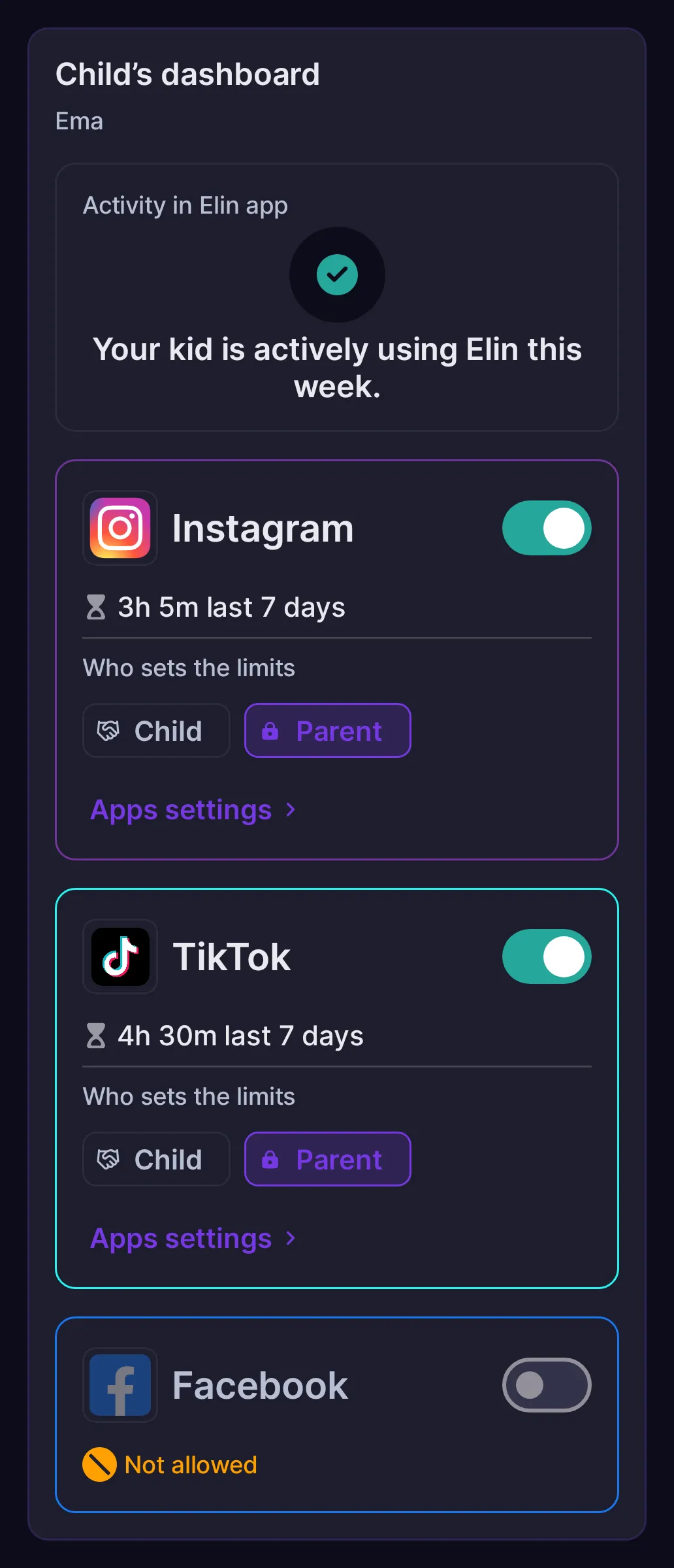
With parental mode you see time spent in the apps you allow, and the limits for each one. You never see what your kid watches or writes.